


Save Location GPS
Efficient GPS Location CRM for Your Business
Tasks, Teams, and Locations — Run Your Field Operations Seamlessly Across Devices using a Location-based CRM with GPS tracking CRM support.
Struggling with Disorganized Location Data?
Is your location data scattered across spreadsheets, full of duplicates, and nearly impossible to keep updated? Our location CRM brings everything together in one place so you can finally manage your sites without the headache using location master data integration.
Inaccurate Location Tracking
Team locations are often wrong or outdated, making it hard to trust the data in a map-based CRM software.
Difficulty Coordinating Teams
Assigning tasks and routes can get messy, slowing down work and causing confusion when a route planning CRM for field staff is missing.
Lack of Real-time Data Access
Admin can’t see updates instantly, so decisions take longer than they should unless a CRM with offline GPS functionality is available.
Security Concerns with Location Data
Sensitive site info may not be protected, putting your business at risk without proper location data backup.
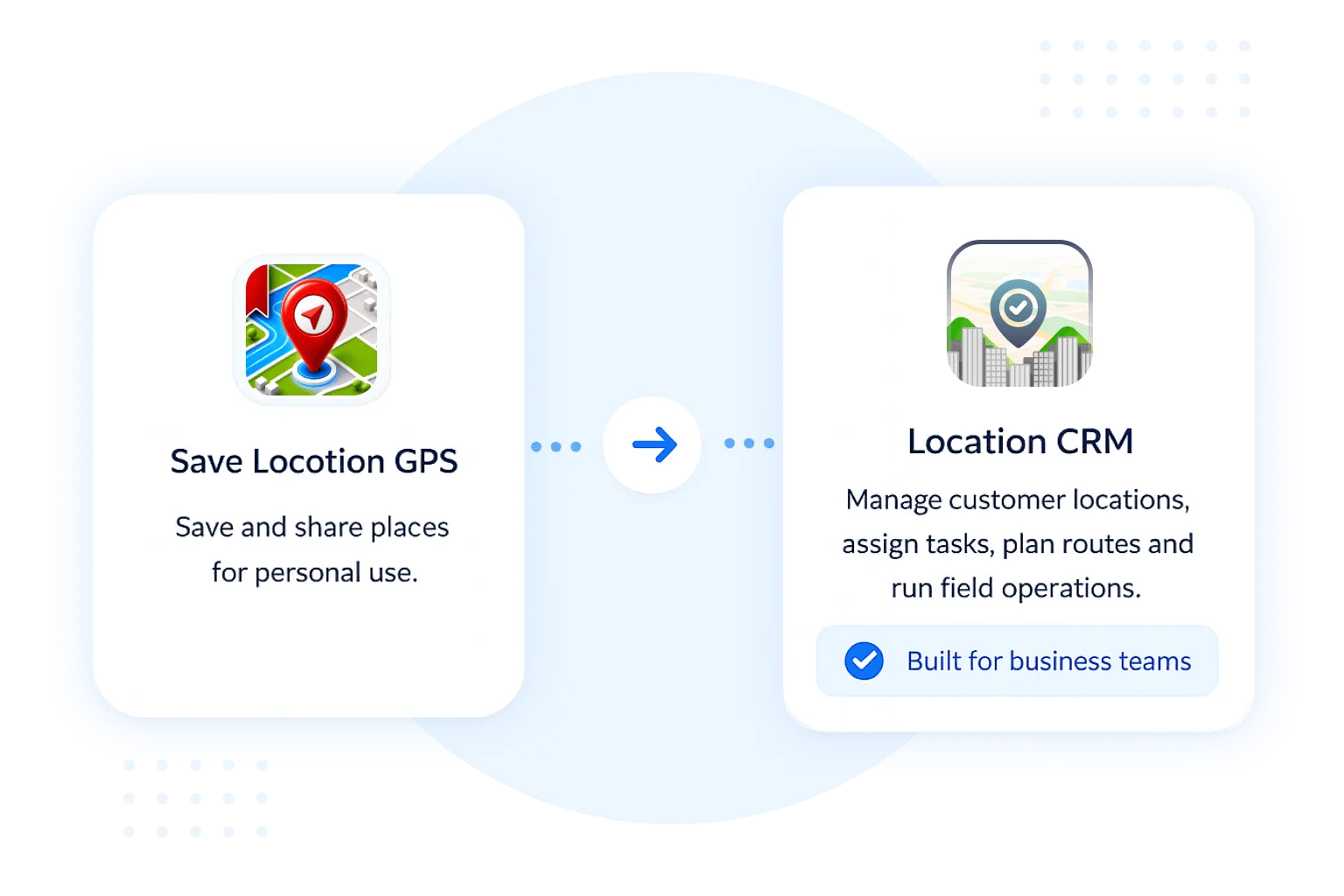
About Location CRM Solution
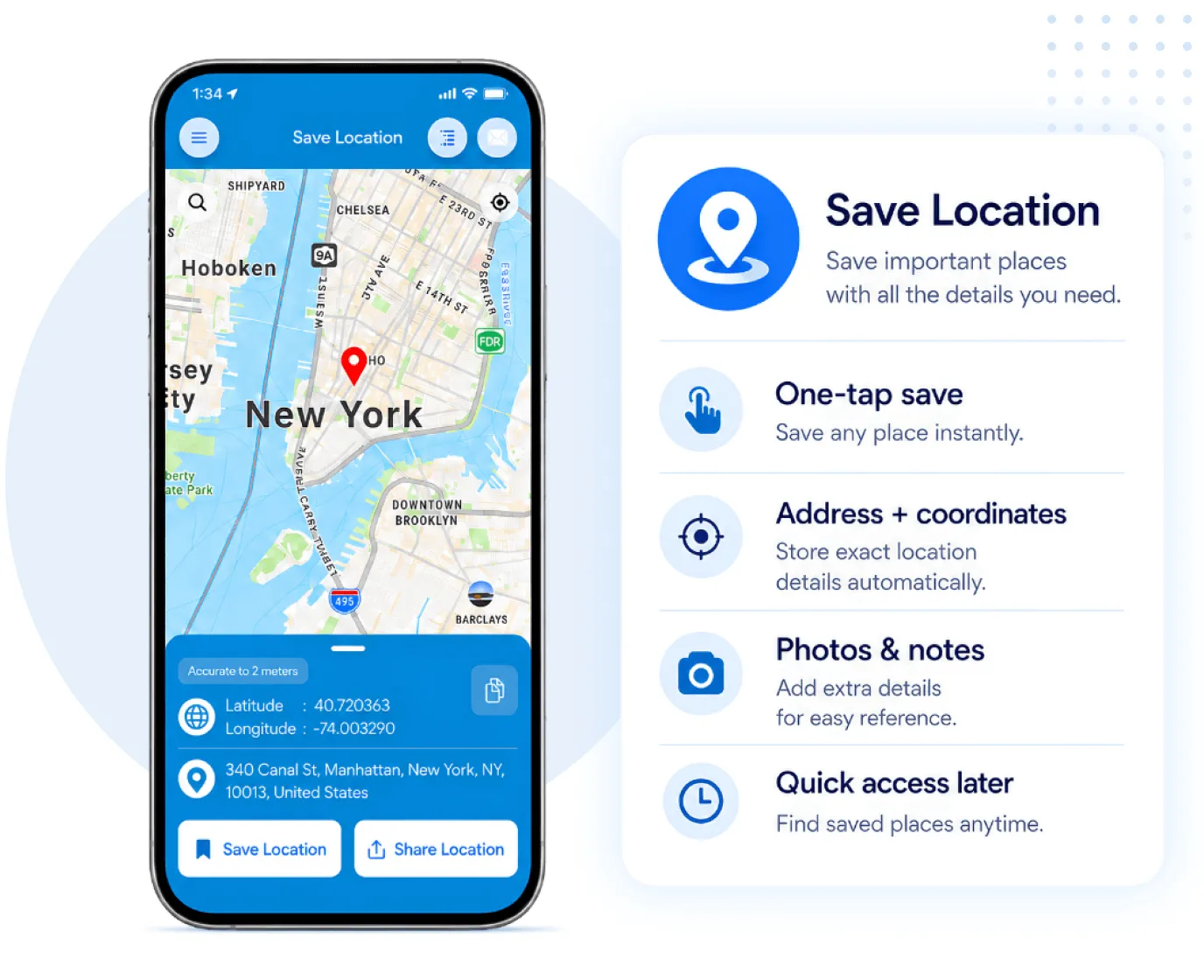
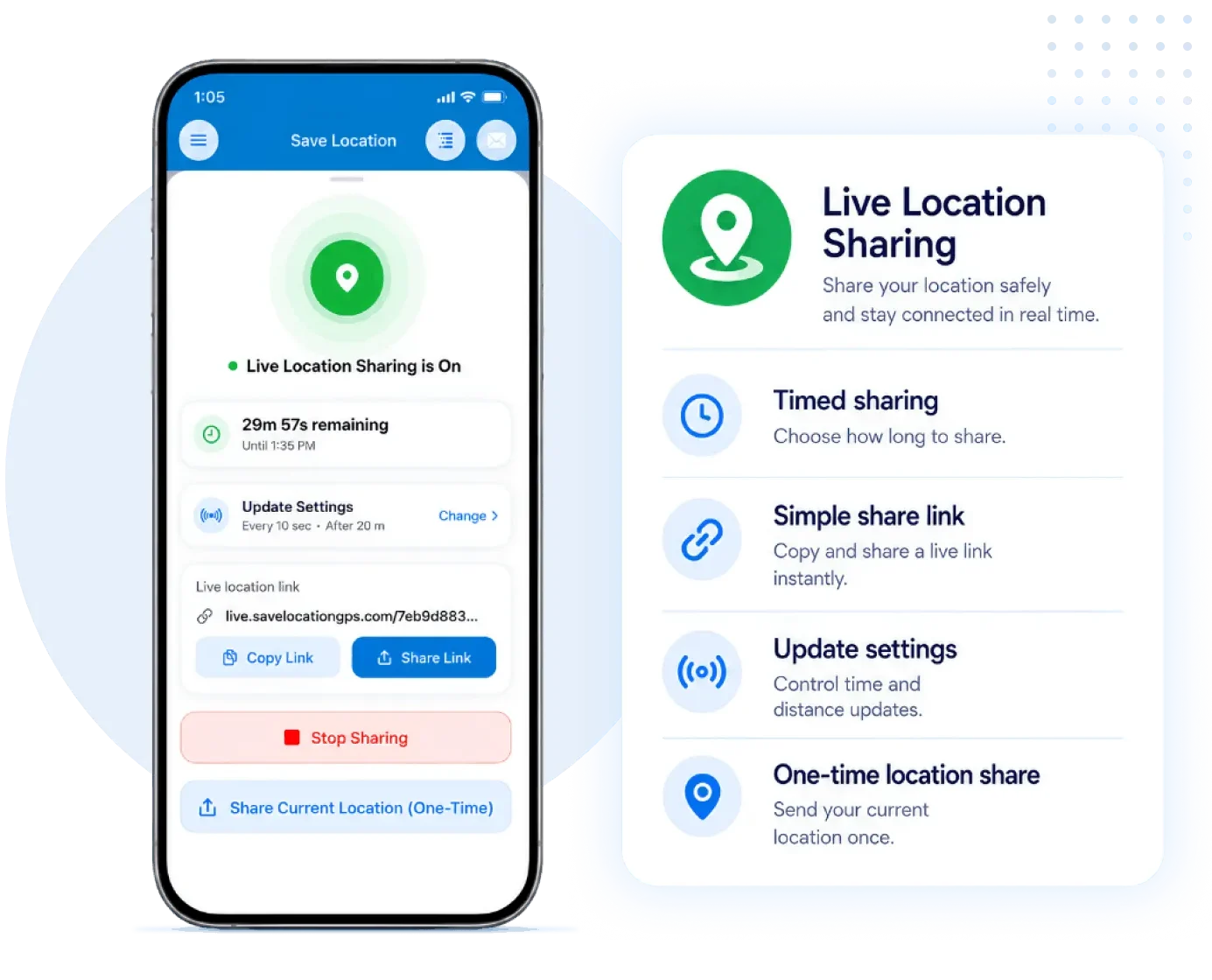
Our app solution makes managing locations, tasks, and teams organize your data and lets you generate reports without any headaches, supporting CSV export for location data and CRM with route optimization. Quickly save and share locations, manage tasks, assign work, and track visits on a map. Our app is available on the Android and iOS platforms.
Features That Drive Efficiency
Everything you need to manage locations and tasks in one place. Save, track, and share locations with real-time GPS, set geocoordinates, and access data anytime-even offline using software to save latitude and longitude. Keep your work organized, team connected, and reports ready when you need them.
GPS Timeline Tracking
Track your team's visit and movement in a timeline view for transparent oversights using a GPS tracking CRM.
Multi-device Synchronization
Changes sync across all devices in real time, keeping everyone up to date in a Location-based CRM.
Customizable Reporting
Pick what info you want in reports. Easy to share and understand with location master data integration.
Restorable Archives
Restore deleted data, ensuring accidental removals don’t lead to permanent loses using secure location data backup.
Offline Mode
Work even when there’s no signal. Data syncs once you’re back online in a CRM with offline GPS functionality.
User Role Management
Control each user and role. Everything stays organized and secure within a map-based CRM software.
Complete Feature Set for Field Teams and Admins
Empower your field teams with mobile tools they actually want to use while giving admins the oversight and control they need through location-based task assignment and structured map tools. From real-time updates in the field to powerful dashboards, everyone gets exactly what they need to succeed.
Mobile App Features
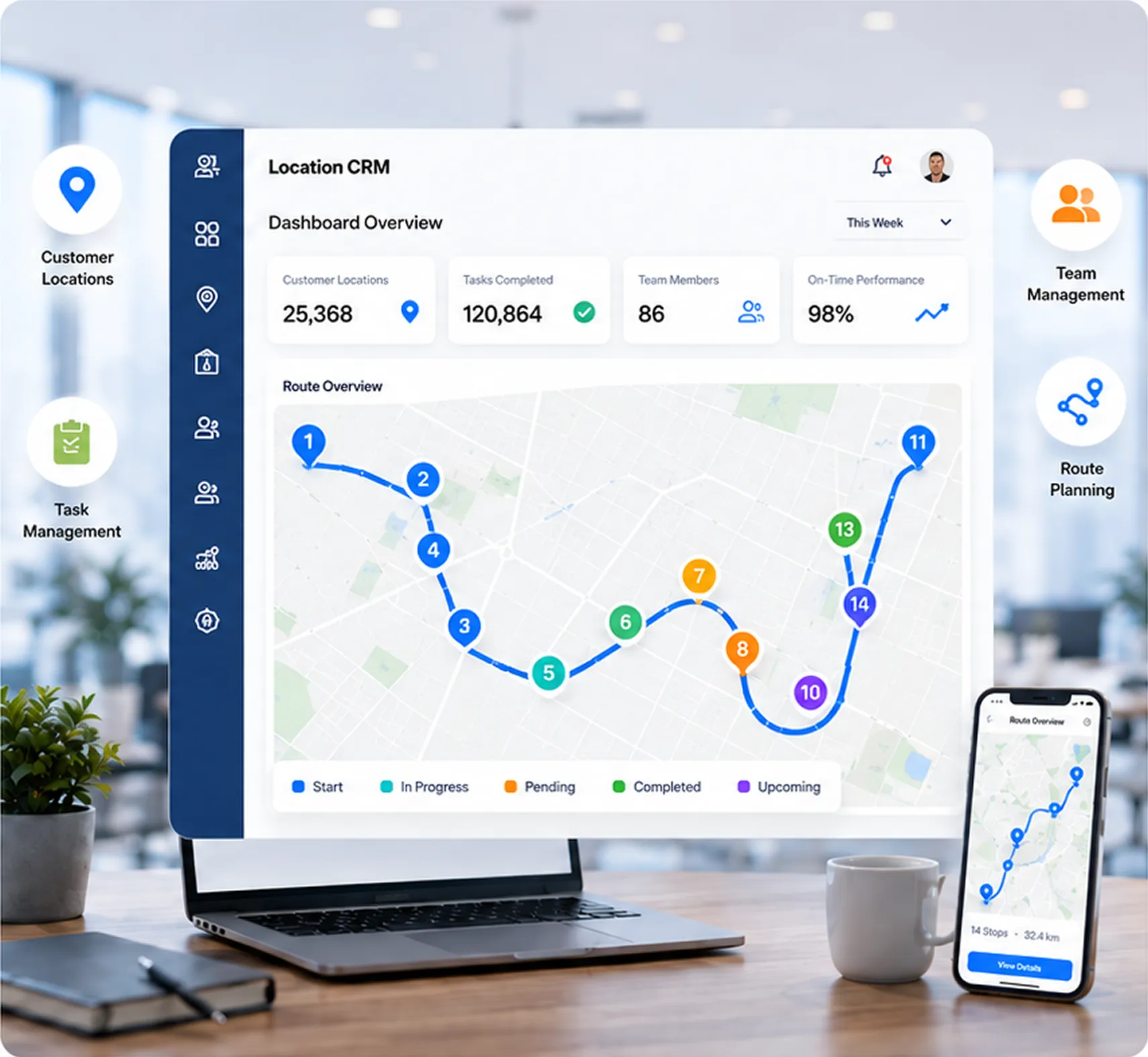
Keep every location under control with clear visibility. Track real-time updates, manage new spots, and access all locations anytime through a Location-based CRM. Keep your team organized, assignments on schedule, and coordination smooth across devices with route planning CRM for field staff.
Monitor field activities, confirm visits, and maintain reliable reports for accountability. Make field work faster and stress-free with quick navigation, instant updates, and a simple interface.
- Core Location Functionality
- Task Assignment & Updates
- Tracking & Reporting
- Managed User Experience
Admin App & Web Features
Organize your team with clear role assignments and precise access controls that keep operations secure and efficient in a map-based CRM software. Field workers access streamlined mobile tools for managing tasks and updating locations in real time, while administrators get comprehensive dashboards for monitoring activity, coordinating teams, and generating reports using CRM with route optimization.
Everything is designed to help your team work faster and smarter across all locations.
- User & Role Management
- Location Management
- Task Management
- User Experience Features
Designed for Diverse Industries
Our GPS location-saving solution is versatile and supports businesses across multiple sectors. Whether you manage teams, assets, or locations, this tool simplifies operations.
Adventure Travel Companies
Education & Campus Management
Event Management
Fieldwork & Research
Healthcare & Home Nursing Services
Logistics & Courier Companies
Maintenance & Repair Services
Photography & Film Production
Real Estate & Construction Site
Retail & Merchandising
Security & Facilities Management
Safety & Personal Use
Survey & Field Research Firms
Transportation & Mobility Services
Utility & Energy Companies
Why Businesses Rely on Location CRM?
Businesses rely on Location CRM because it makes managing field work simple. From assigning tasks to tracking visits, everything stays organized and easy to handle using location-based task assignment features — no stress, no confusion.
- App
- Clear task distribution with linked locations
- Field staff always know where to go and what to do
- Managers gain transparency over employee activities
- Improved accountability with time-stamped task updates
- Centralized task and location history for reporting
- Admin
- Centralized control over users, roles, tasks, and locations
- Customizable fields to fit specific business needs
- Visual map integration for location tracking
- Detailed reports for better decision-making
- Restorable archives to avoid accidental data loss
What Our Customers are Saying
Businesses across industries trust our CRM app to simplify their field operations. Our users share how our app helps them work smarter, stay organized, and save time every day.
Frequently Asked Questions
1. What is the Location CRM app used for?
Location CRM helps businesses manage and track field operations through GPS-based location sharing, task assignment, and task reporting. It ensures teams work efficiently by connecting field staff with managers through live location updates and task monitoring.
2. How does the app verify location visits?
The app uses GPS-based proof-of-visit and task start & finish logs. Each employee’s visit can be verified with time stamps for every on-site activity.
3. What types of businesses can use Location CRM?
Location CRM suits multiple industries like delivery, logistics, sales, service technicians, inspections, and field support teams. Any business that relies on on-ground staff and location tracking benefits from it.
4. Is internet connectivity required for the app?
The app requires internet connectivity for real-time sync, GPS sharing, and updates. However, most field operations can still be recorded offline and automatically synced once the device reconnects.
5. How does the admin panel help in management?
The admin panel offers full control over users, roles, locations, and tasks. Managers can assign work, monitor progress, view live maps, generate reports, and even restore deleted data from archives.
6. How do managers assign tasks to field employees?
Managers can assign tasks through the admin panel by linking them to specific locations. Each employee receives a task description, location pin, and navigation route to complete the work efficiently and on time.
7. Can the app track task history or past visits?
Yes. Every activity, from location visits to task updates, is stored in a detailed history log. This feature allows managers to review employee performance, visit records, and completion timelines anytime.